How to make an AI video that doesn't look like AI.
Anyone can write a prompt. The problem is that it shows. This is what we have learned from making these every day: what gives an AI video away, which models actually hold up right now, and everything that happens between the idea and something people watch to the end.
 Magnet Minds
2 September 2026
9 min read
Magnet Minds
2 September 2026
9 min read
The gap between AI video that looks generated and AI video that passes is not really about which tool you pay for. It is about knowing what the eye catches, and building the shot so those things never appear. Everything below is how we actually work through it - and if you would rather see the output than the method, the mAInds portfolio is the short version.
What gives it away
People rarely articulate why a clip feels off. They just scroll. These are the things they are reacting to, roughly in order of how quickly they register:
- Motion that never settles. Real footage has micro-pauses - a hand stops, weight shifts, someone blinks out of rhythm. Generated motion glides continuously. It reads as uncanny before anyone consciously spots why.
- Physics that almost works. Hair and fabric are where models still slip: strands that pass through a shoulder, a jacket that settles a beat too slowly.
- Lighting with no source. Shadows that fall in two directions, or a face lit from nowhere. The brain checks this constantly without being asked.
- Too clean. No grain, no lens breathing, no imperfection. Real cameras have flaws and their absence reads as artificial.
- Hands, still. Better than a year ago, not solved. Keep them busy, partly out of frame, or holding something.
Almost every tell above gets worse with duration. A four-second clip rarely has time to drift. A twelve-second one almost always does. Cutting between several short shots is both more watchable and far more forgiving than asking for one long take. Every clip in our portfolio is built this way.
Which models are worth using right now
This moves fast enough that any list has a shelf life. As of September 2026:
- Kling 3.0 - currently top of the text-to-video leaderboard. Native 4K, 60fps, clips up to fifteen seconds and lip-sync across several languages. Holds up well on high-motion scenes.
- Seedance 2.0 and HappyHorse-1.0 - the two sitting highest on the independent quality rankings right now. Worth testing if you can get access.
- Veo 3.1 - the only one producing synchronised dialogue rather than just sound effects. For brand work with someone speaking, still the shortest route.
- Runway Gen-4.5 - no longer first on picture quality, but the control surface is still the best of the group: motion brushes, scene consistency, real camera control. You reach for it when you need a specific move rather than a good-looking accident.
The method
- Decide the shot before you touch a tool. One subject, one action, one camera move. Trying to fit a scene into a single generation is the most common reason output looks wrong.
- Start from an image, not from text. Image-to-video gives you control over framing, lighting and product accuracy that text-to-video will not. For anything with a real product in it, this is the difference between usable and not.
- Generate short. Four to six seconds. Then cut. Three good short shots beat one long mediocre one, and cost less to regenerate.
- Over-generate and discard. Expect to keep one in five. That ratio is normal and budgeting for it is what separates a workable process from frustration.
- Grade everything at the end. A single colour pass across all the clips is what makes them feel like one piece rather than a pile of generations.
- Add real sound. Generated audio is improving, but licensed music and properly placed effects still do more for believability than another generation pass.
An AI video is not one prompt
Every tutorial stops at the generation, which is roughly like teaching someone to cook by explaining the oven. The generation is one line out of eight, and it is not the one that takes the time.
Before anything is generated there is the idea - what the video is actually saying and why anyone stays past the first second. Then a script written to the second, because fifteen seconds holds about thirty words and not one more. Then the sequence: which shot follows which, where the cut lands, what the last frame leaves behind. Then the character - if the same person appears in shot two and shot five they need the same face, clothes and hair, and no model does that on its own. Then the colour, locked up front, so the finished thing looks like one brand made it rather than five different tools.
Then you generate. And after the generations come the parts nobody counts: the edit, the timing of every cut, transitions that carry the motion across the join instead of stopping it, sound design, and the pass where you fix the four things that are wrong.
Ours. Not one of them came out of a single prompt. More in the mAInds portfolio. The rules for running them are in AI ads: the rules from August 2026.
A side effect worth knowing about
Once the references, the character and the palette are locked for the video, the still images come almost for free - same look, same person, same world, exported as feed posts instead of frames. It is not the reason to do any of this, but it does mean a month of video usually leaves you with a month of posts as well.
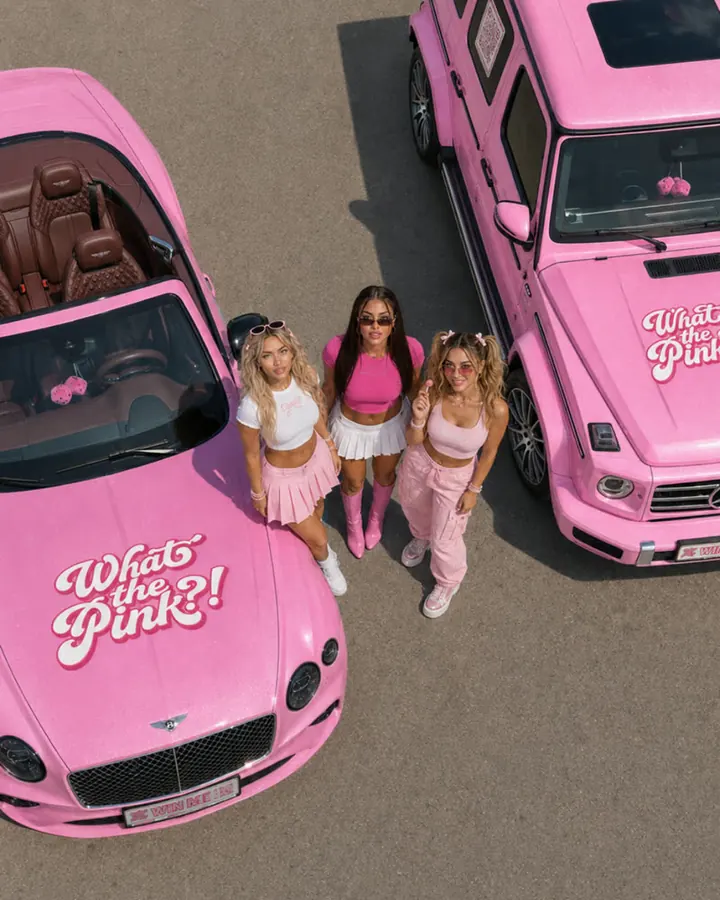
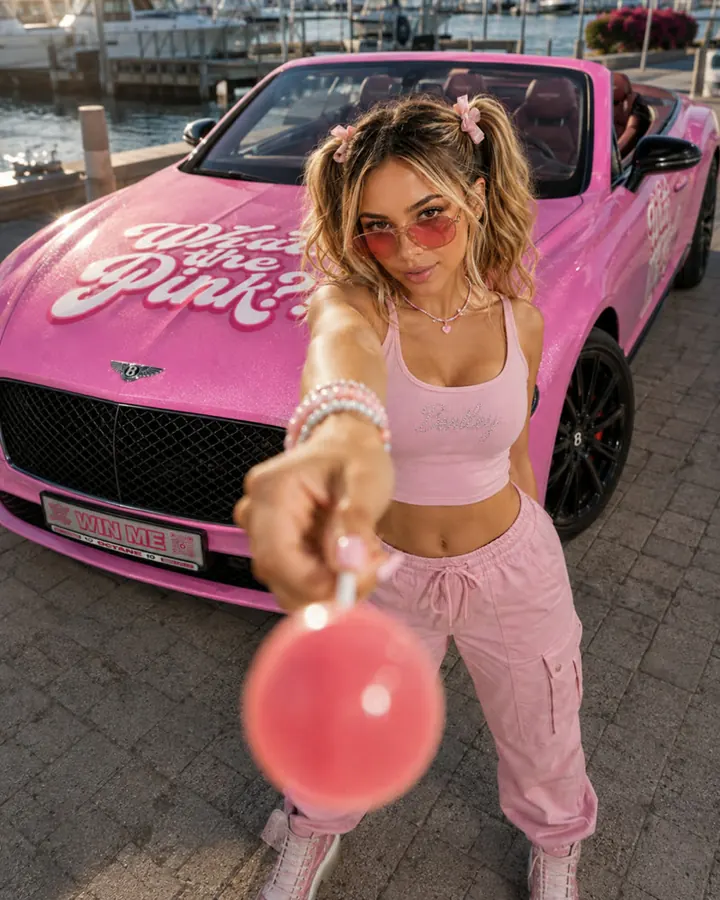
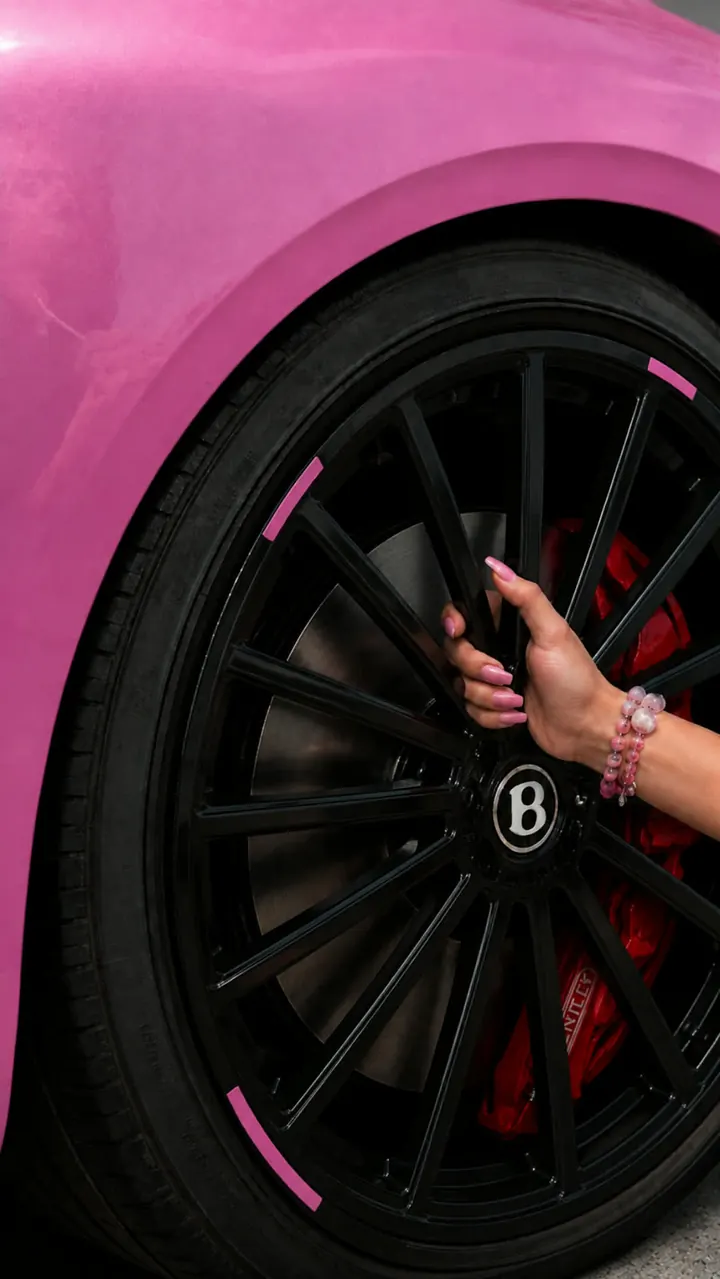
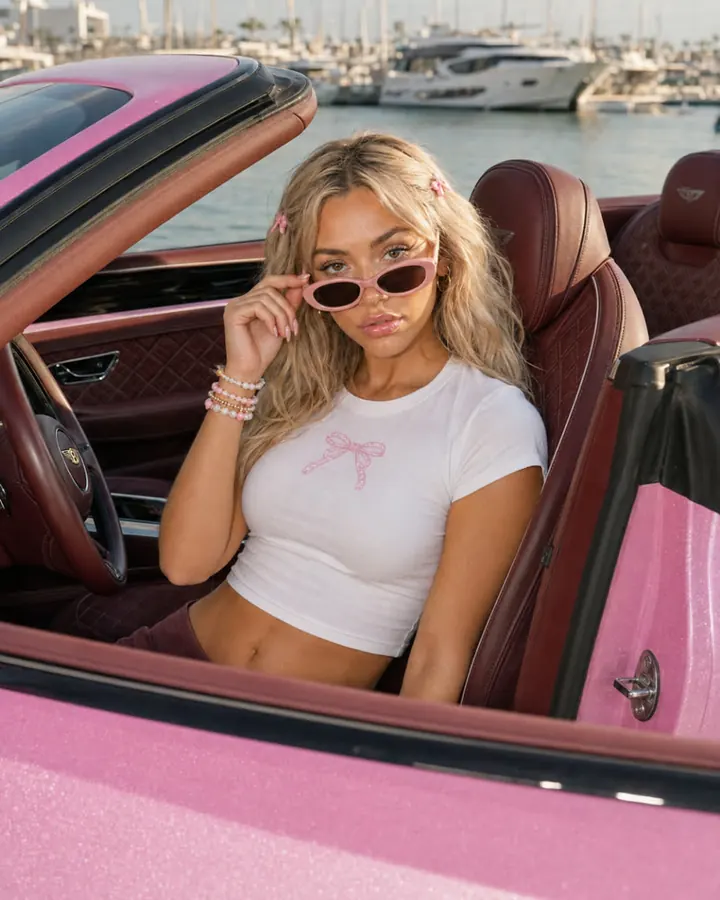
Stills from the same locked references as the videos above, for the same brand.
Prompting that actually changes the output
Prompt length is not the variable. Specificity about camera and light is.
- Name the lens and the move. "35mm, slow push in" produces a different and steadier result than "cinematic".
- Name the light and its direction. "Soft window light from camera left, late afternoon" fixes the shadow problem before it happens.
- Say what does not move. Models fill silence with drift. Stating that the background is static removes a whole class of artefact.
- Ask for imperfection. Slight handheld motion, a little grain. Perfect is the thing that reads as fake.
- Drop the adjectives. "Stunning, hyper-realistic, 8K, masterpiece" does nothing. Concrete physical description does.
We will make one vertical sample from your photos and walk through it on a call, so you judge the real thing rather than someone else's showreel.
Get a sample on your productWhere doing it yourself stops working
Everything above is genuinely doable alone, and for a one-off you should just do it. The point at which it stops being worth your time is specific and predictable:
- Consistency across a set. One good clip is a weekend. Twenty that look like the same brand made them is a system: locked references, fixed grade, a repeatable prompt structure.
- Volume. At a one-in-five keep rate, ten finished videos means roughly fifty generations plus editing. That is a working week, every month.
- Formats. Every clip needs 9:16, 1:1 and 4:5 with the subject still framed correctly. Reframing generated footage is its own job - it is why Product Motion ships all three rather than one.
- Knowing when to stop. The hardest part is judging when a clip is good enough to ship rather than regenerating it a sixth time.
If that is the position you are in, that is exactly what mAInds does - and for e-commerce catalogues specifically, Product Motion turns existing product photos into ad-ready motion.
Questions
Start from an image rather than text, keep each shot to four to six seconds, generate several options and keep roughly one in five, then cut them together and apply a single colour grade and real sound across the whole piece. The short-shot discipline matters more than which tool you pick.
As of September 2026, Kling 3.0 leads the text-to-video leaderboard and handles high-motion scenes well, with native 4K and lip-sync in several languages. Seedance 2.0 and HappyHorse-1.0 sit highest on the independent quality rankings. Veo 3.1 is the one to use when someone has to speak, since it is the only model producing synchronised dialogue rather than just sound effects. Runway Gen-4.5 gives the most control when you need a specific camera move.
Not for long. Sora 2 was deprecated in April 2026 and the API shuts down on 24 September 2026 - weeks away. Anything built on it needs moving now, and it stops on the day rather than winding down.
Usually the clip is too long, the motion never pauses, or the lighting has no clear source. Shorten the shot, start from an image so you control the framing and light, and explicitly state what should stay still.
For one video, yes, easily. For ten a month it usually is not, once you count a one-in-five keep rate, reformatting into three aspect ratios and the editing time. The crossover is roughly where consistency across a set starts to matter.
Skip the fifty generations.
Monthly packages from 5 to 20 videos, priced per video. See which one fits your pace.
See the AI video packages